Import what you already have
Visio (.vsdx), Lucidchart (.lucid), and Gliffy files load directly. Mermaid and SQL come in by paste. No re-drawing from a screenshot.
Bring the diagrams you already have into an editable canvas. Import Visio (.vsdx), Lucidchart, and Gliffy files, or paste Mermaid and SQL — free, in your browser, with nothing uploaded. When it belongs in your docs, install the Forge-native app and keep it editable inside Confluence.
Visio (.vsdx), Lucidchart (.lucid), and Gliffy files load directly. Mermaid and SQL come in by paste. No re-drawing from a screenshot.
Imports become real diagram.now shapes and connectors — reposition, restyle, relabel, and re-lay-out them, then export to PNG, SVG, or PDF.
Install the Forge-native app to create and keep editable diagrams inside Confluence pages, next to the runbook, spec, or ADR they explain.
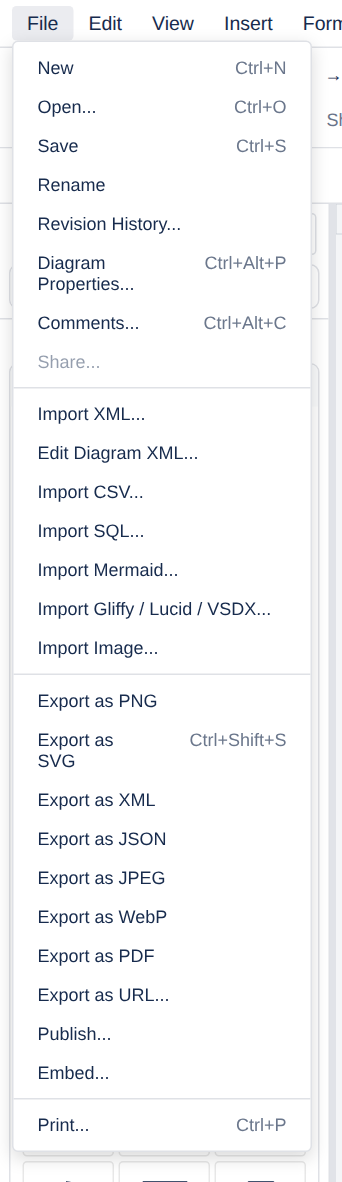
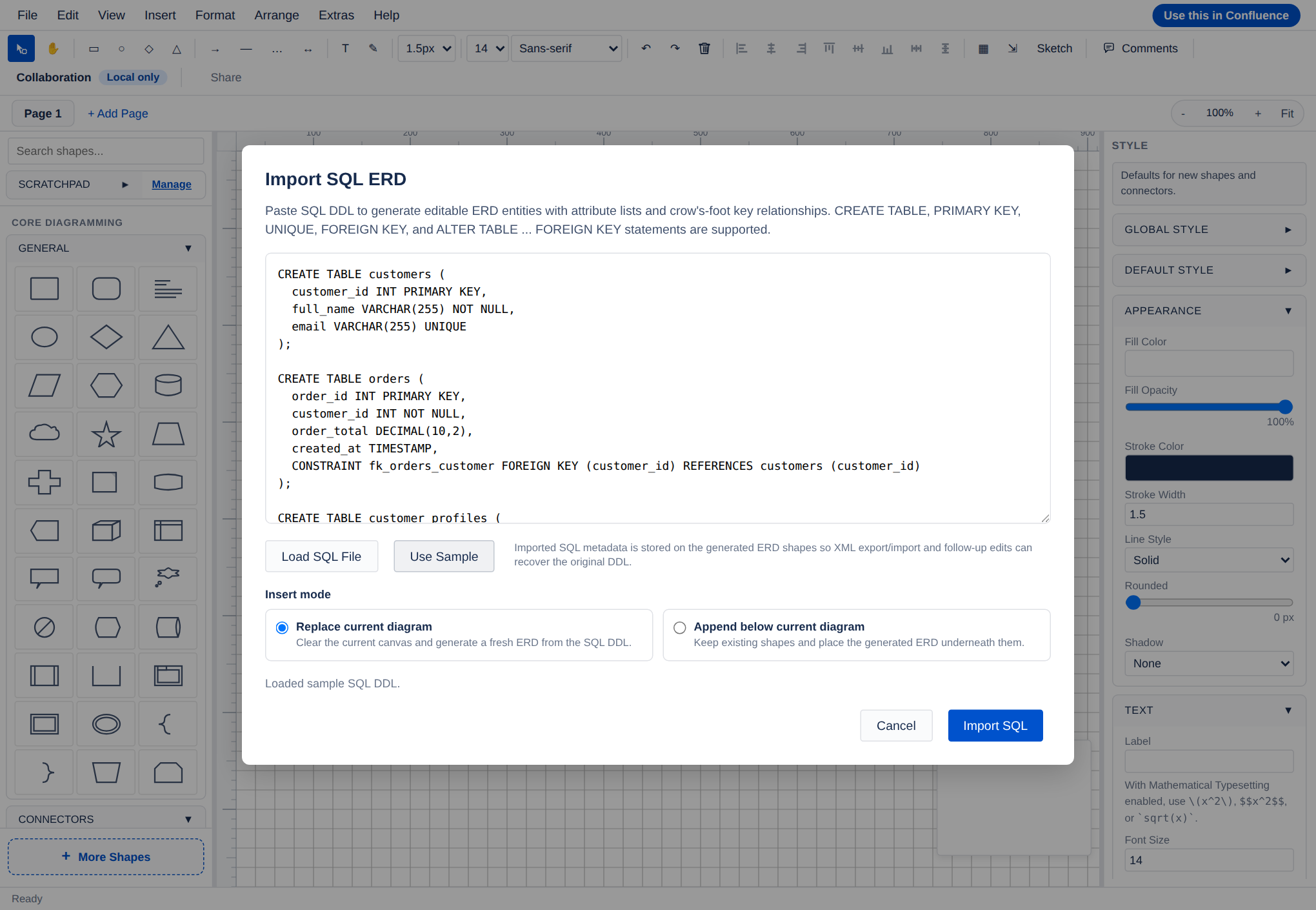
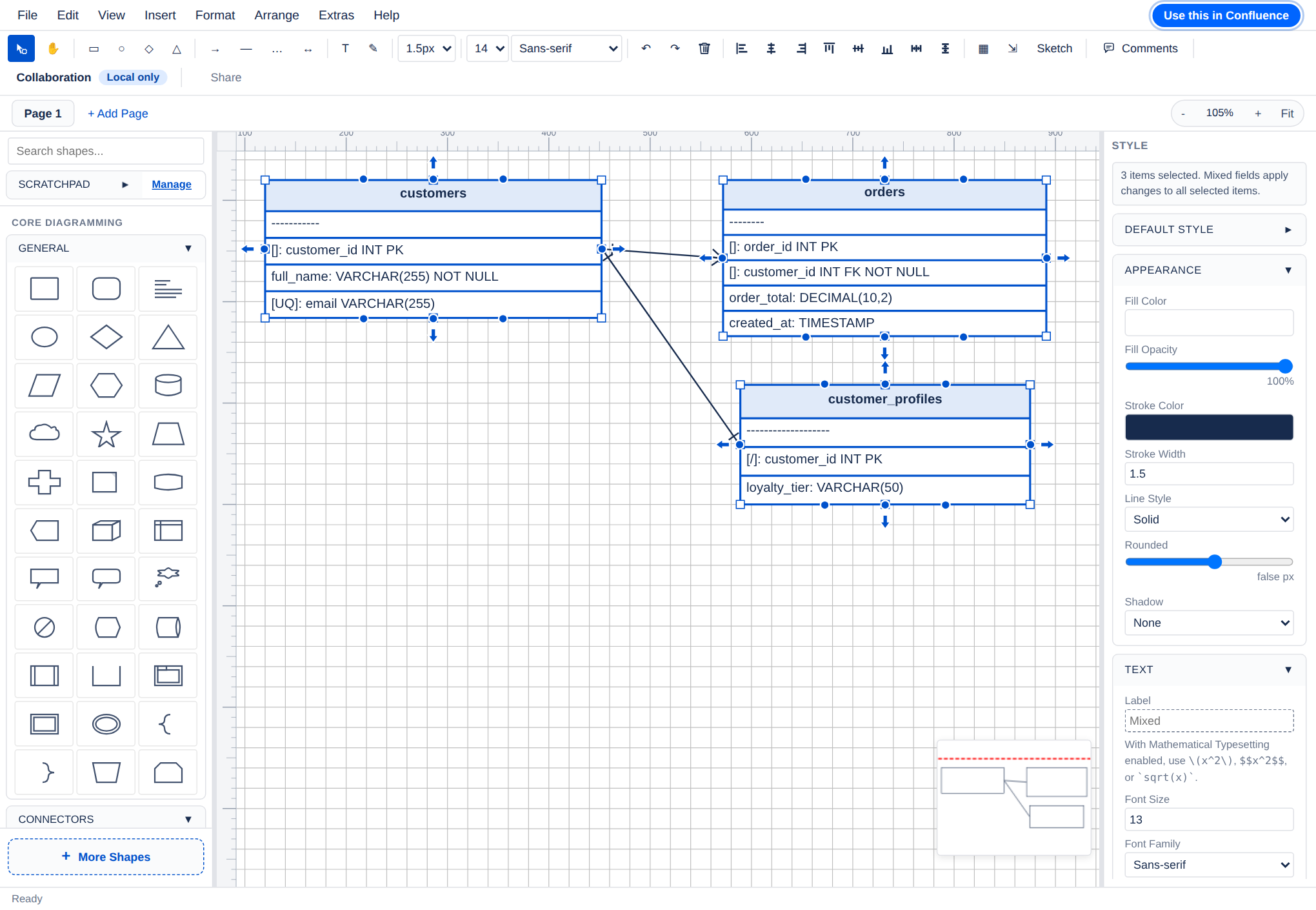
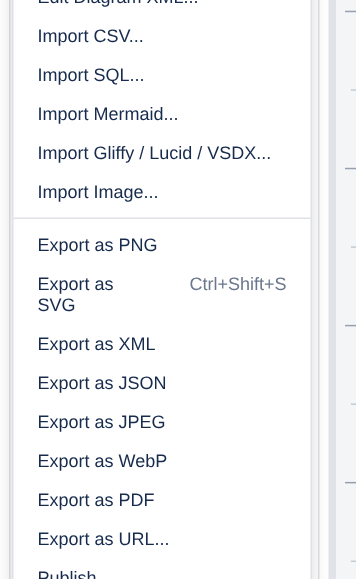
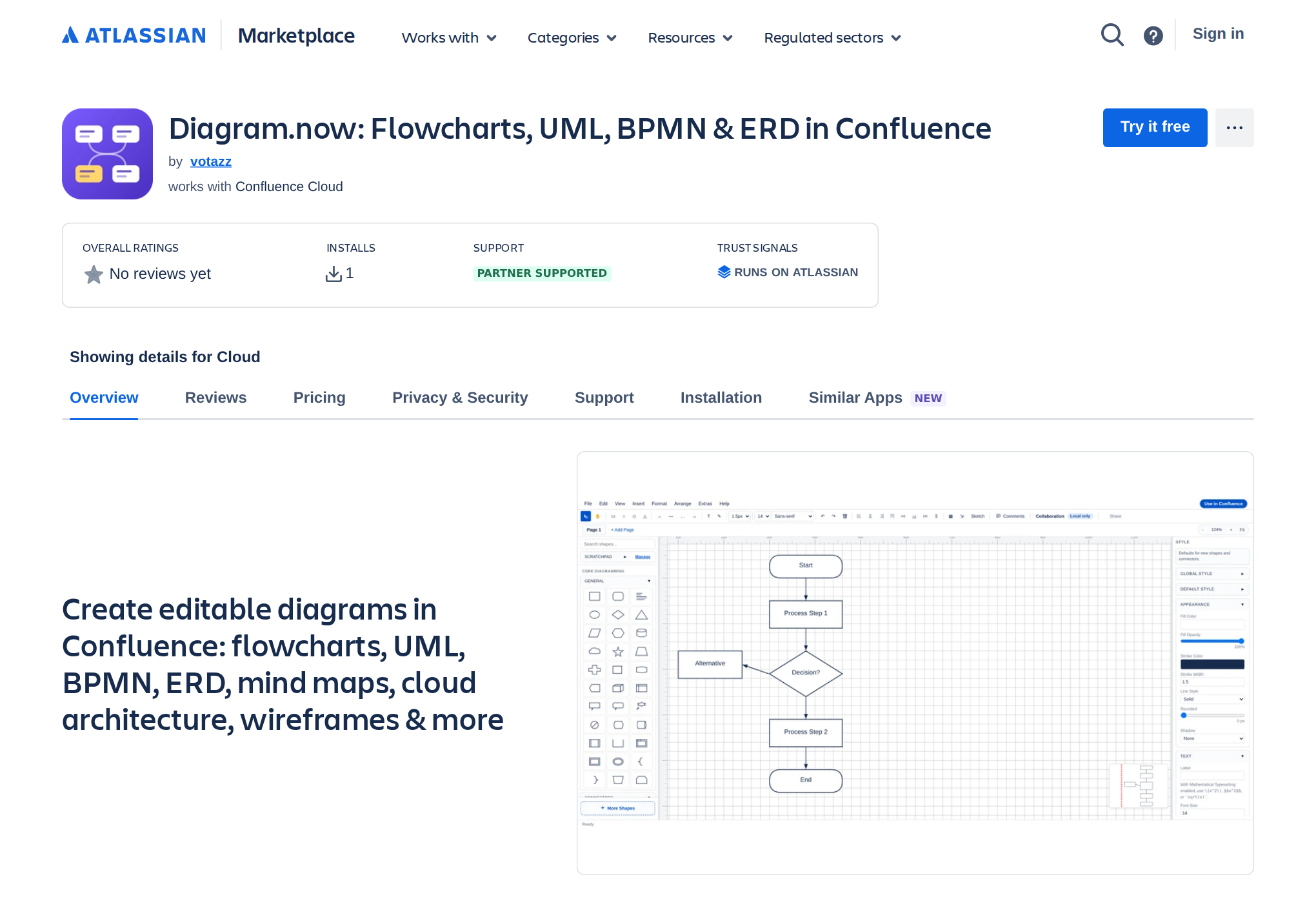
A genuine capture of the shipping free editor: import → edit → export, then install for Confluence. Cycles automatically.
Choose and open a .vsdx file. Pages, shapes, and connectors are read from the Visio archive so you can keep editing them.
The same importer opens .lucid and .gliffy exports, mapping shapes, text, and links into editable diagram.now objects.
Use and paste flowchart / graph syntax, including |label| edge labels, to turn text into shapes.
Use and paste CREATE TABLE DDL. Primary and foreign keys become an editable entity-relationship diagram.
Everything is parsed in your browser — the .vsdx and .lucid archives are unzipped and read client-side, so nothing is uploaded just to import it.
Open the free editor, then . Load a Visio, Lucidchart, or Gliffy file, or paste Mermaid or SQL. No account required.
Clean up the imported shapes, relabel, restyle, and re-route connectors. Export to PNG, SVG, or PDF, or copy a share link.
Install diagram.now from the Atlassian Marketplace. As a Forge-native app, your diagrams are created and stay editable directly inside Confluence pages.
Start free in the browser — import a Visio, Lucidchart, Mermaid, or SQL diagram and confirm it comes in editable. When it becomes team documentation, install diagram.now and keep it editable inside Confluence.
Currently $0 for Confluence sites with up to 10 users. Bring one real diagram — Visio (.vsdx), Lucidchart, Mermaid or SQL — and we'll help you import it into Confluence in a free one-file migration session. Request migration help.
Visio (.vsdx), Lucidchart (.lucid), and Gliffy files, plus Mermaid flowchart/graph syntax and SQL CREATE TABLE DDL, all from the menu in the free editor.
Yes. Imports become native diagram.now shapes and connectors, so you can move, restyle, relabel, and re-lay-out them like anything you draw from scratch.
No. Files are parsed in your browser. The .vsdx and .lucid archives are unzipped and read client-side; nothing is uploaded to import them.
Mermaid import currently converts flowchart and graph syntax (including |label| edge labels) into editable shapes. SQL import turns CREATE TABLE DDL, including primary and foreign keys, into an editable ERD.
Install diagram.now from the Atlassian Marketplace. It is a Forge-native app, so imported and new diagrams live and stay editable directly inside Confluence pages.